

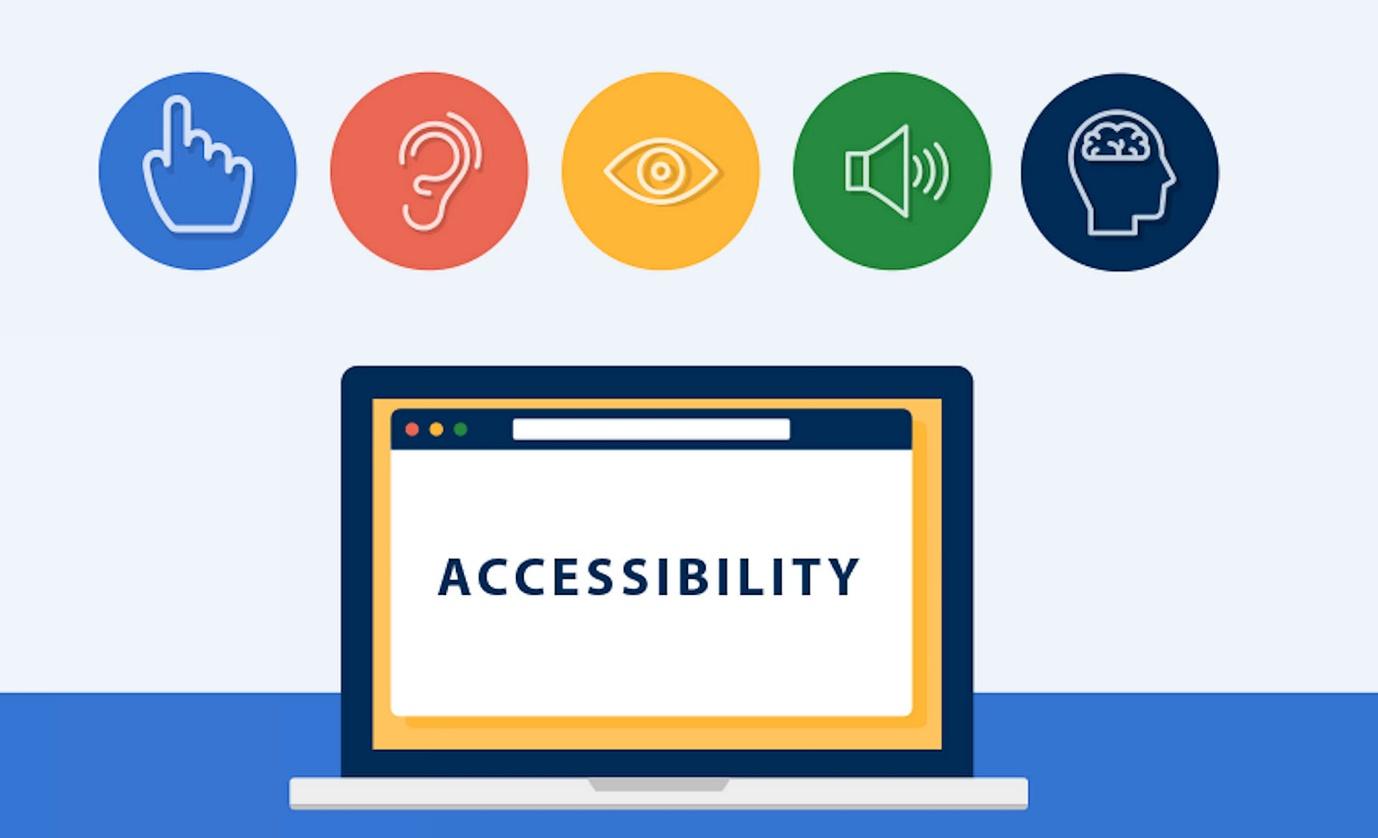
The internet connects us with essential information, services, and communities. However, this vast digital landscape isn’t always accessible to everyone. People with disabilities – such as visual impairments, hearing loss, or motor difficulties – often encounter significant barriers when navigating websites. Web accessibility addresses these barriers by ensuring that websites can be effectively used by all individuals, regardless of their abilities.
Furthermore, accessibility is mandated by law in many regions, making compliance not only beneficial but legally necessary in certain jurisdictions. Fortunately, achieving website accessibility doesn’t have to be an overwhelming task, thanks to the availability of various tools and services.
For instance, companies like EqualWeb specialize in enhancing website accessibility. EqualWeb offers tools to detect accessibility issues and provides comprehensive solutions to help organizations resolve them, making online content accessible to users with disabilities. Leveraging professional accessibility expertise can simplify the compliance process.
Fundamental Web Accessibility Tips for Beginners
1. Semantic HTML Structure
Proper HTML elements are foundational to website accessibility. Assistive technologies, like screen readers, rely heavily on clear HTML structure to interpret web content effectively.
- Headings (H1-H6): Clearly define content hierarchy by using headings in sequential order. The H1 tag should represent the main title, while H2-H6 denote subsections.
- Lists (UL, OL, LI): Organize content using lists. Use unordered lists (UL) for items without a specific order, and ordered lists (OL) for sequences that follow a clear progression.
- Landmark roles: Employ semantic HTML5 elements such as <nav>, <main>, <aside>, and <footer> to identify different regions on your webpage. These landmarks significantly aid users in navigation.
- Alt Text for Images: Always include concise, descriptive alternative text for images, allowing screen reader users to understand their purpose. Use empty alt attributes (alt=””) for decorative images.
2. Keyboard Navigation
Many users navigate websites using a keyboard rather than a mouse.

Ensure that your website is fully navigable via the keyboard.
- Focus Indicators: Interactive elements (links, buttons, forms) should visibly highlight when selected via keyboard, guiding users as they navigate.
- Logical Tab Order: Ensure keyboard navigation follows a logical and predictable path through the content, aligning with the natural reading flow.
The Ongoing Importance of Accessibility
Web accessibility isn’t a one-time task – it requires consistent effort and monitoring. Regular testing helps identify issues before they become barriers for users. Automated tools can assist in detecting common problems, but manual testing, especially involving users with disabilities, is essential for truly effective accessibility.
Expert Insights: Interview with Daniel from EqualWeb
To provide deeper insights into the significance of web accessibility, we spoke with Daniel, an accessibility expert at EqualWeb.
Q: Why is web accessibility so crucial today?
Daniel: “Accessibility is not just about compliance – it’s about inclusivity. The internet is an essential tool in everyday life, and making websites accessible ensures that no one is left behind. Beyond the ethical aspect, businesses benefit from a broader audience, improved brand reputation, and even better SEO performance.”
Q: What are the biggest accessibility mistakes website owners make?
Daniel: “One of the most common issues we see is poor color contrast, making text difficult to read. Another big mistake is missing alternative text for images or using vague descriptions. Finally, many websites fail to provide keyboard navigation, which excludes users who rely on assistive technology.”
Q: How can businesses ensure long-term accessibility compliance?
Daniel: “Regular audits and user testing are key. Technology evolves, and accessibility standards update over time. At EqualWeb, we always emphasize a proactive approach – integrating accessibility from the start rather than trying to fix issues later.”
Final Thoughts
Web accessibility is an essential aspect of digital inclusivity, benefiting both users and businesses. By following best practices and utilizing expert resources, organizations can create a more user-friendly experience for everyone. Accessibility isn’t just a legal requirement – it’s a commitment to making the digital world open to all.
